Docker containers have revolutionized application deployment, but they introduce unique security challenges. Building secure container images requires attention to base image selection, dependency management, and runtime configuration. This guide covers comprehensive Docker security practices for production environments.
Container security starts with the image build process. A vulnerable base image or misconfigured Dockerfile can expose your applications to attacks. Understanding the attack surface and implementing security controls at each layer is essential for protecting containerized workloads.
Secure Base Image Selection
Choose minimal base images to reduce attack surface. Distroless images contain only your application and runtime dependencies, eliminating shells and package managers that attackers could exploit.
# Use distroless for production
FROM gcr.io/distroless/python3-debian11
COPY --from=builder /app /app
CMD ["python", "/app/main.py"]

# Or use Alpine for smaller images
FROM python:3.11-alpine
RUN apk add --no-cache libpq
COPY requirements.txt .
RUN pip install --no-cache-dir -r requirements.txt
Multi-Stage Builds
# Build stage
FROM golang:1.21 AS builder
WORKDIR /app
COPY go.mod go.sum ./
RUN go mod download
COPY . .
RUN CGO_ENABLED=0 GOOS=linux go build -o /app/server

# Production stage
FROM gcr.io/distroless/static-debian11
COPY --from=builder /app/server /server
USER nonroot:nonroot
ENTRYPOINT ["/server"]
Non-Root User
FROM python:3.11-slim
RUN useradd -r -s /bin/false appuser
WORKDIR /app
COPY --chown=appuser:appuser . .
USER appuser
CMD ["python", "app.py"]
Read-Only Filesystem
docker run --read-only --tmpfs /tmp:rw,noexec,nosuid myapp:latestImage Scanning
# Scan with Trivy
trivy image --severity HIGH,CRITICAL myapp:latest

# Scan with Snyk
snyk container test myapp:latest
Dockerfile Linting
# Hadolint for Dockerfile best practices
hadolint Dockerfile
Secrets Management
# Never do this
ENV API_KEY=secret123

# Use build secrets instead
RUN --mount=type=secret,id=api_key cat /run/secrets/api_key
Security Best Practices
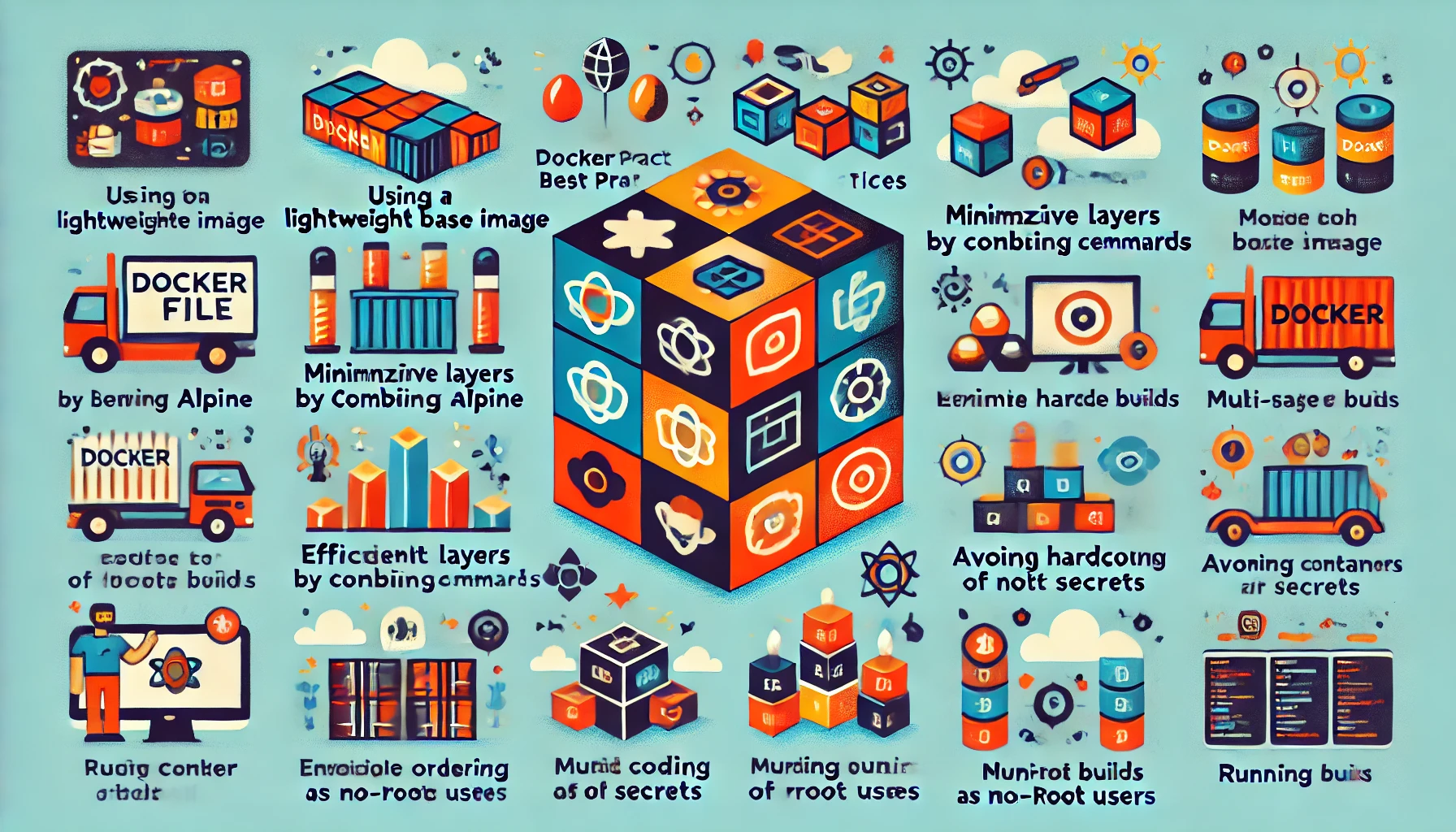
- Use minimal base images (distroless, Alpine)
- Implement multi-stage builds
- Run as non-root user
- Use read-only root filesystem
- Scan images for vulnerabilities
- Pin base image versions with digests
- Remove unnecessary packages and files
- Never store secrets in images
- Use COPY instead of ADD
- Set appropriate resource limits
Conclusion
Docker security requires attention throughout the image lifecycle. By following these best practices for base image selection, build configuration, and runtime security, you can significantly reduce the attack surface of your containerized applications.